Repository, areas, variables and files
Repository
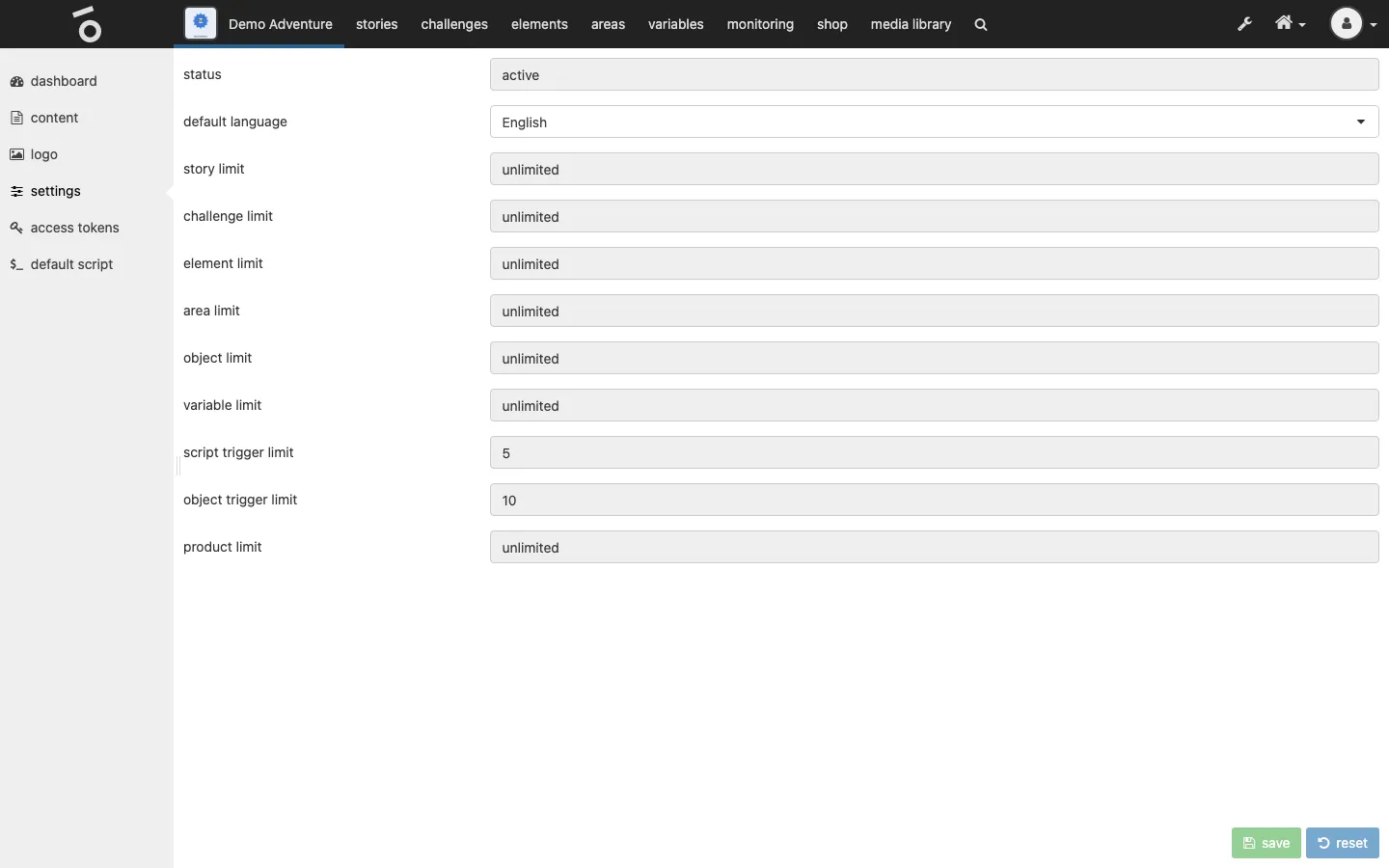
Section titled “Repository”The repository menu (its name in the top bar) contains the dashboard, settings, logo, the repository script and styles.
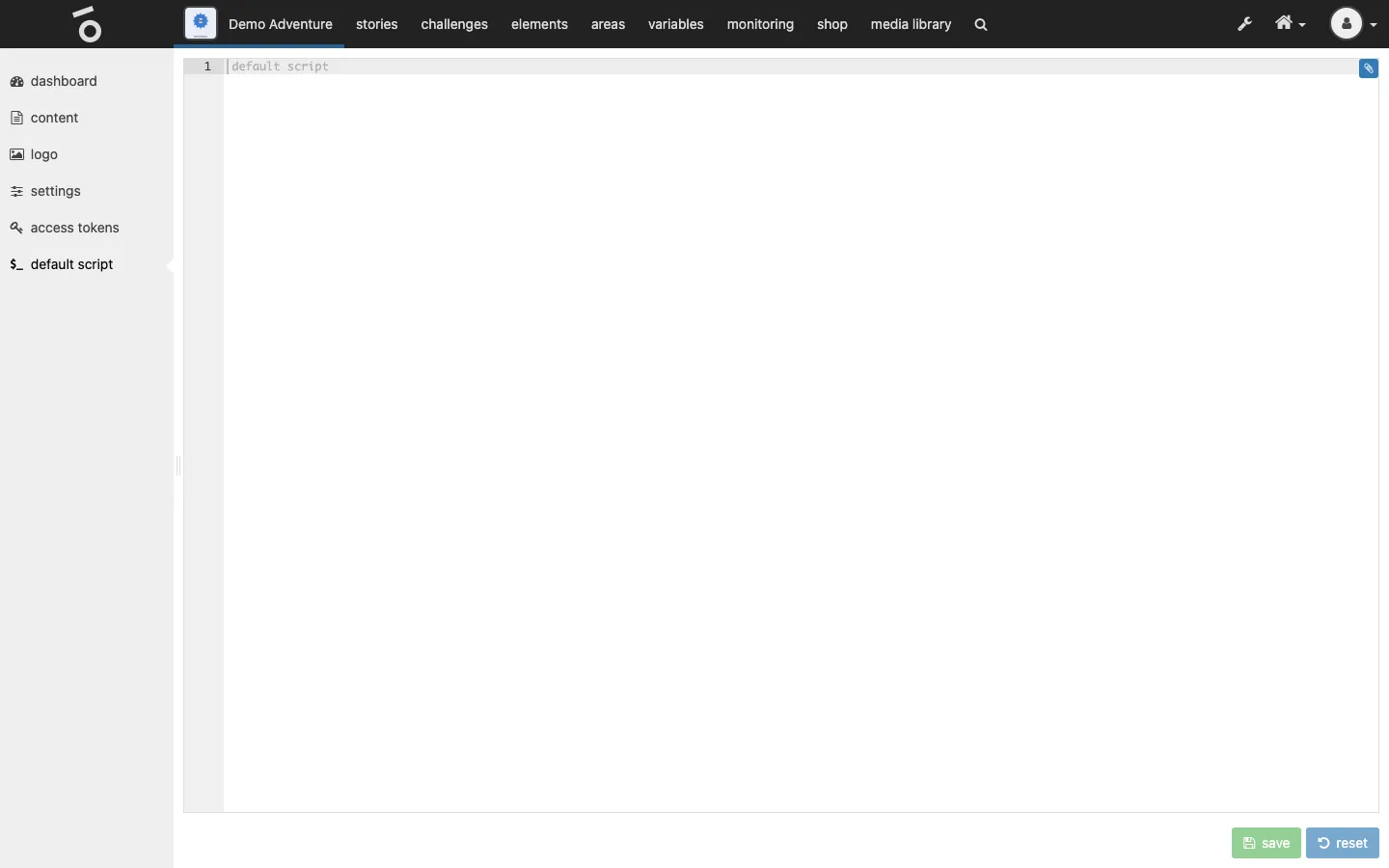
The repository script is put in front of every variable script – define helper functions here, see Variables and scripts.
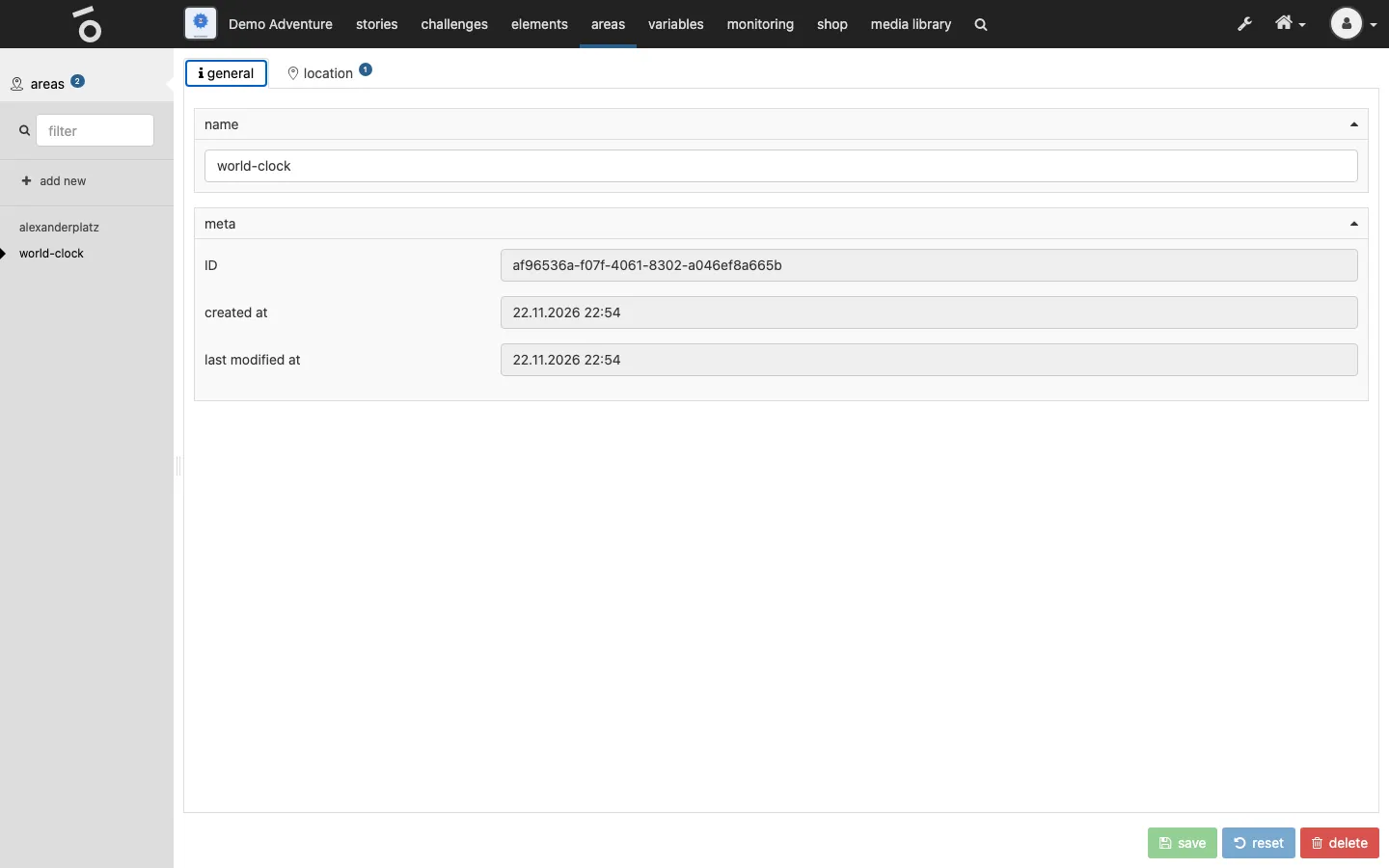
Areas are polygons on the map, drawn in the location tab with draw. They are used for geofence solutions and as play areas, see Areas and locations.
Variables
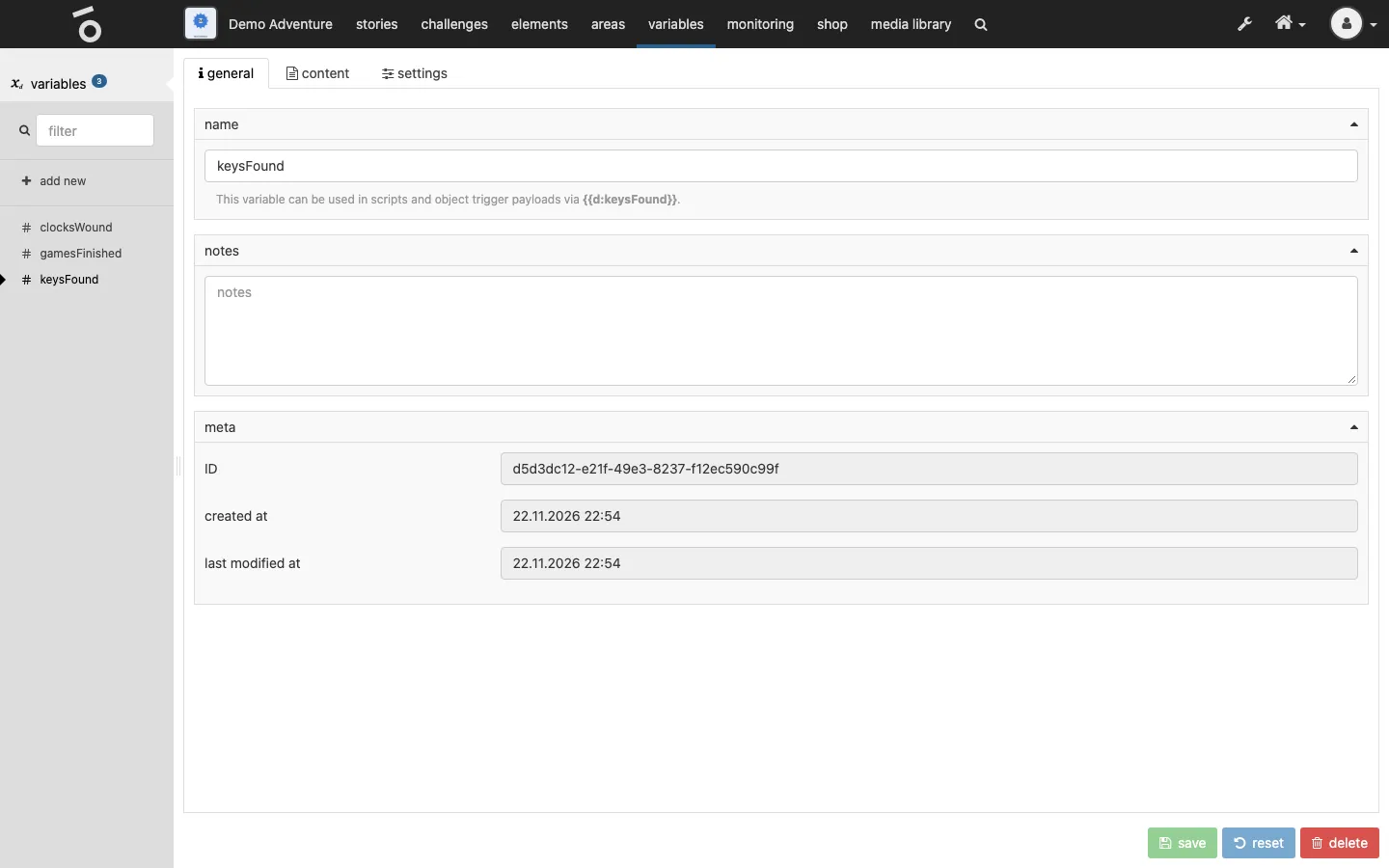
Section titled “Variables”Dynamic variables with type, scope and default value, see Variables and scripts.
Media library
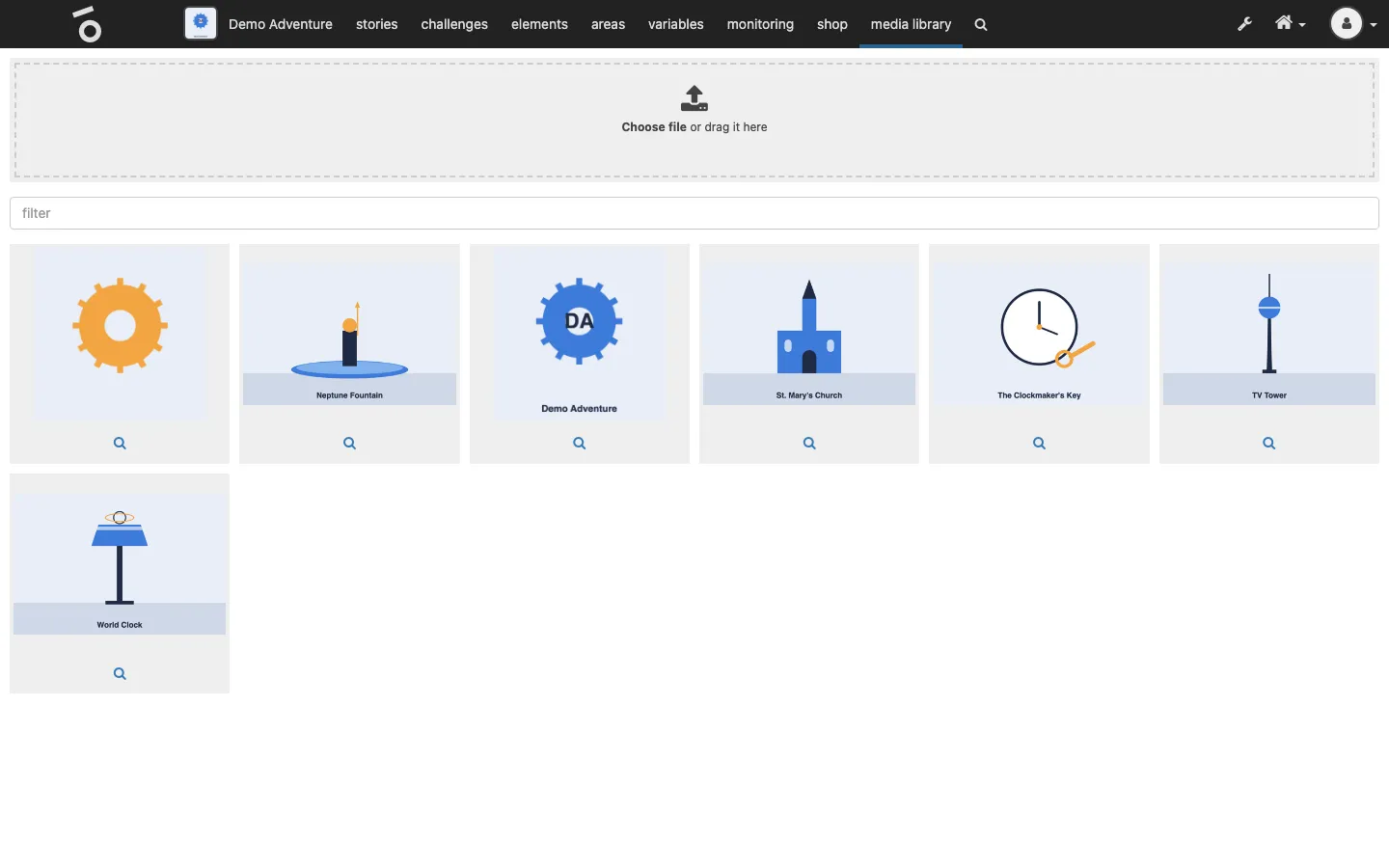
Section titled “Media library”All files of the repository. Upload files here and copy the Markdown snippet to embed them in texts, see Files.
Monitoring
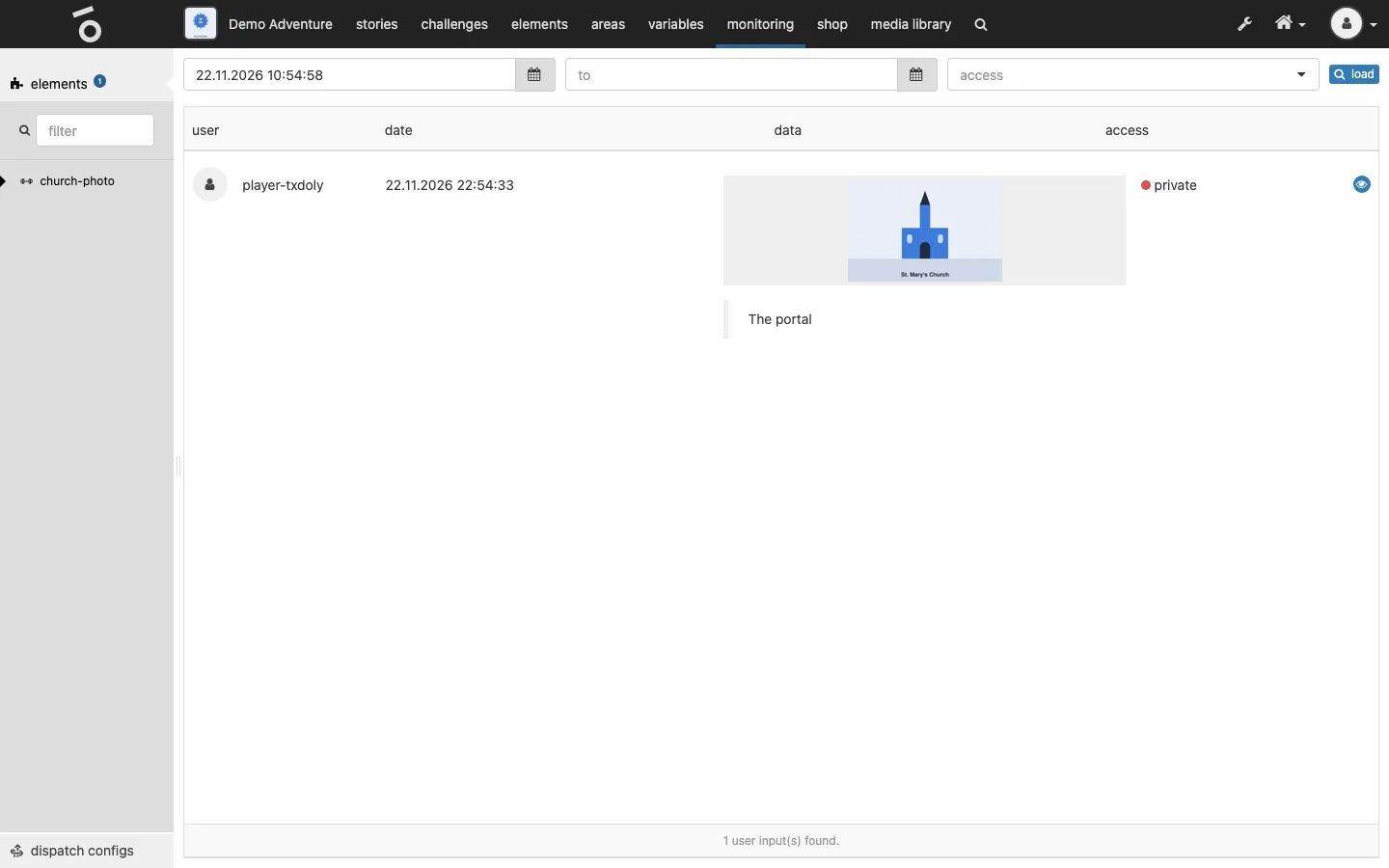
Section titled “Monitoring”Operators follow running games here. User inputs shows what players submitted for tasks with a user input solution, e.g. photos: